Works with the site you already have
No migration. Here is what Citanto does on each platform and what is left to you.
- WordPressConnected
The Citanto plugin adds your business description in structured data and, when no other plugin already serves one, an llms.txt file. New articles arrive in WordPress as drafts for you to publish. An update to a page already online comes with the changes to copy in yourself.
- ShopifyReady-to-publish kit
Citanto does not connect to your store. Each approved article comes with its text, its description and the steps to publish it from your Shopify admin.
- Wix and DudaReady-to-publish kit
Citanto prepares your business information with the exact steps to paste it once (Wix Custom Code, Duda Header HTML on a Team plan or above). Each approved article comes with the steps to publish it yourself.
- Custom-built sitesReady-to-publish kit
Each approved article comes with its text, its description and its structured data, for you or your web developer to publish.
The WordPress plugin
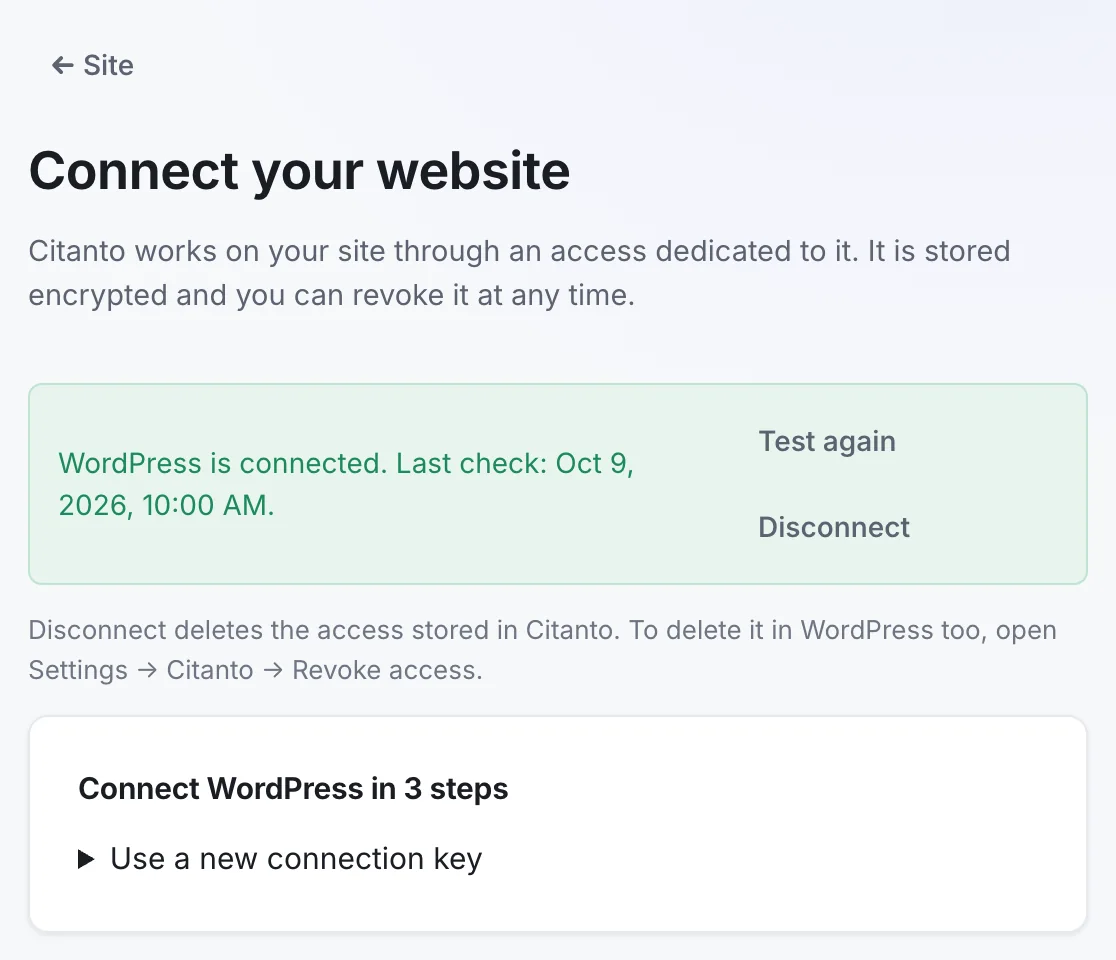
Citanto Connector is a small plugin you install from the Connection page of your workspace. Here is what it does on your site.
- Structured data
- It adds a description of your business in JSON-LD to your pages (your name, address, phone and the other facts you choose to publish), and the structured data of each article Citanto delivers.
- llms.txt
- It serves an llms.txt file built from your profile. When another plugin already serves one, Citanto leaves it in place.
- Drafts, never published
- New articles arrive as drafts, sent through a dedicated technical account with limited rights. You decide what gets published.
- AI visit counts
- It counts requests from known AI crawlers and visits that arrive from an AI assistant. Caches and missing referrers make these counts partial. It never stores IP addresses.
- One key, revocable
- The connection uses a key shown once in Settings, Citanto. It stays valid until you revoke it there.
- Clean removal
- Deleting the plugin removes its settings, its role and every access it created, which disconnects Citanto. Your published articles and the technical account stay.
Check your platform in one step
The free audit detects your platform and tells you which delivery applies.
Frequently asked questions
Do I need a developer?
Not on WordPress: you install the plugin and paste the connection key. On other platforms, you or your developer publish each article with the kit Citanto prepares.
What if the audit does not recognize my platform?
You choose it on the Connection page of your workspace, and Citanto shows the matching delivery.